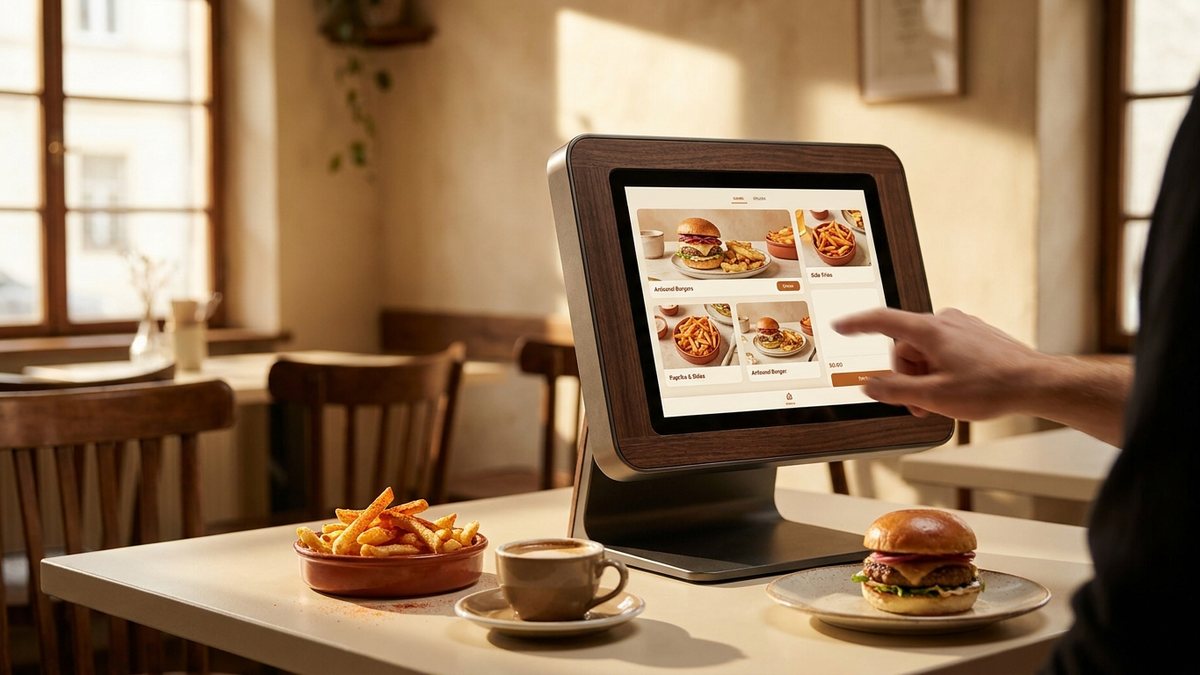
Chains did not install ordering screens to save on staff. In most cases the staff moved to other tasks. They installed them because a screen sells more than a person does, consistently and measurably.
Why a screen outsells a cashier
Four reasons, and none of them are technological.
No social cost. Ordering three items, adding cheese and taking the large has a small social friction when a person is watching. A screen removes it entirely.
No time pressure. At a counter you feel the queue behind you. At a kiosk, with several screens running, you browse. Longer browsing produces larger baskets.
Visual upsells. A cashier saying "would you like fries with that" is one weak prompt. A screen showing a photograph of the fries, at the right moment, with a single button, is a much stronger one.
Repetition without irritation. A person cannot ask three times. A screen can present three upsell moments - Add a side, upsize, add a dessert - And none of them feel like being nagged.
The kiosk is not a cashier without wages. It is a salesperson without embarrassment.
The kiosk menu is usually longer
A physical board is limited by wall space and by how long a customer will stand reading it. A screen is limited by neither, so kiosk menus routinely carry more items, more customisation and more combinations than the board behind the counter.
That is a genuine benefit if you want something specific. It is also how baskets grow: more visible options means more chances for something to be added.
| Where you order | Menu breadth | Upsell pressure | Typical basket |
|---|---|---|---|
| Counter | Board only | One verbal prompt | Smallest |
| Drive-thru | Usually shortest | One or two prompts | Small |
| Kiosk | Longest | Several visual prompts | Largest in store |
| Own app | Full, plus history | Personalised | Large and repeatable |
Customisation cuts both ways
The most genuinely useful thing about a kiosk is the customisation. Removing an ingredient, changing a sauce, swapping a side - All trivial on a screen and all slightly awkward at a counter during a rush. For anyone with a dietary preference or an allergy avoidance, that is a real improvement.
It is also, commercially, an upsell surface. Every "add" is priced, and the incremental cost of each one is small enough not to trigger resistance. Three small additions is a meaningfully larger order.
Allergies and kiosks
A kiosk can remove an ingredient from an order. It cannot tell you whether the fryer is shared. For a diagnosed allergy, speak to a member of staff rather than relying on a screen - See allergen information on menus.
The counter-strategy
It is simple and it works: decide before you touch the screen.
- Know your order when you walk in. The kiosk is very good at changing an undecided mind.
- Skip the suggested additions by default. You can always add something at the end.
- Check the running total before paying rather than after. It is displayed and rarely looked at.
- If you want the cheapest version, look for the value range explicitly - Kiosks rarely lead with it, for the same reason boards do not.
What it means for published prices
Kiosk prices are normally identical to counter prices, so nothing here changes what a given item costs. What changes is how many items end up in the order - Which is a spending effect rather than a pricing one, and it is invisible in any price database including ours.
The prices on this site are per item, which makes them a useful way to plan an order before you are standing in front of a screen designed to expand it. Every menu page lists every item and size option with its own price.